Working with a model
A model is an abstract representation that approximates the behavior of a system. In Terarium, you can build a chain of complex operations to recreate, edit, configure, stratify, calibrate, and simulate models.
Note
For information about:
- Uploading models, see Gather modeling resources.
- Creating models, see Edit model.
Model resource
A model resource represents a model you've uploaded to or created in Terarium.
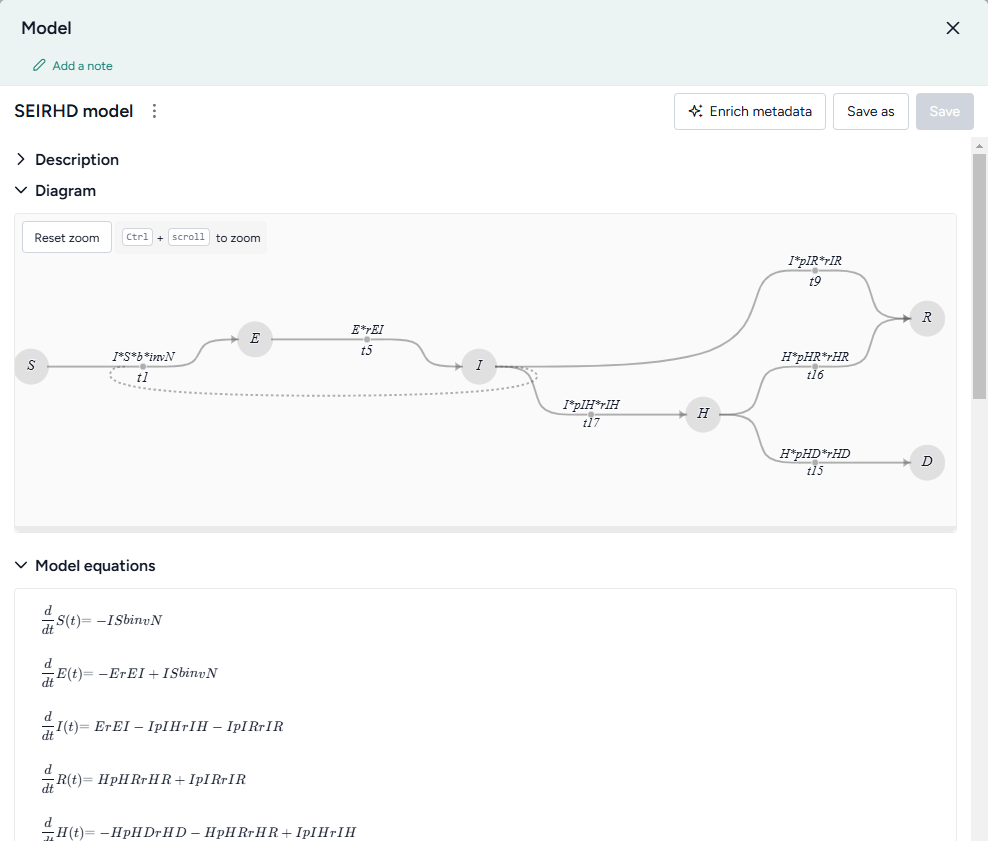
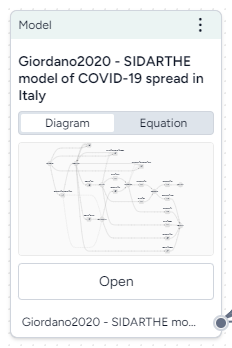
In a workflow graph, a model resource shows its underlying diagram or equations. You can use the resource to:
- Open, review, and enrich the model variables, parameters, observables, and transitions.
- Edit or stratify the model.
- Compare it to other models.
- Create model configurations or intervention policies.
-
Inputs
- None
-
Outputs
- Model
Add a model resource to a workflow
- Drag the resource from the Models section of the Resources panel.
Copy a model
- Add the Model operator to a workflow graph and connect it to an Edit model operator.
- Click Open on the Edit model operator.
- Click Save for re-use, enter a name for the copy, and click Save.
What can I do with a model resource?
Hover over the output of the model resource and click link to use the model as an input to one of the following operators.
-
Modeling
- Edit model: Add, remove, or change state variables, transitions, parameters, rate laws, and observables.
- Stratify model: Divide populations into subsets along demographic characteristics such as age and location.
- Compare models: Compare side-by-side with other models to understand their similarities and differences.
-
Configuration and intervention
- Configure model: Set the initial values and parameters for the condition you want to test
- Create intervention policy: Create static and dynamic interventions for "what-if" scenarios.